A Pakistani restaurant on a Friday night is controlled chaos: tables filling up, a takeaway queue at the counter, delivery riders waiting, and a kitchen trying to keep up with all three. A generic billing app can't cope with that. Restaurant POS software is built for exactly this situation.
1. One POS for every order type
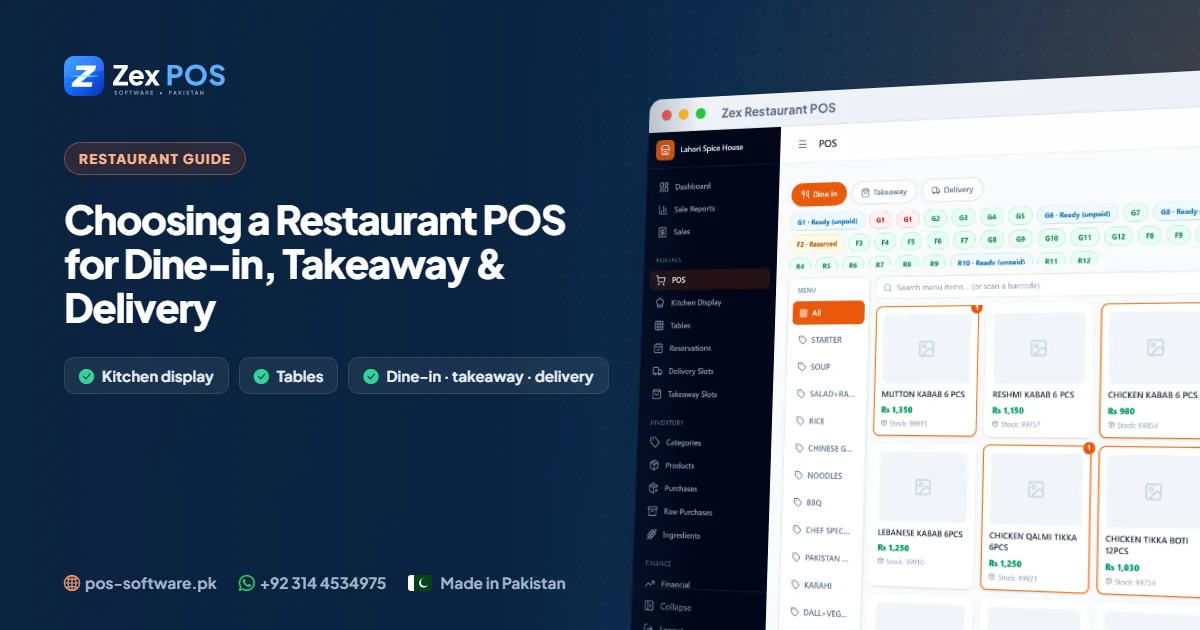
Dine-in, takeaway and delivery have different needs, but they should all go through one system so the kitchen and the cash drawer see everything. In Zex Restaurant POS:
- Dine-in orders are taken against a table.
- Takeaway orders can be tied to a pickup time slot.
- Delivery orders can be scheduled into delivery time slots.
- Discounts, coupons, tax and service charge are applied on the bill.
2. Tables you can see at a glance
Set up your tables with their capacity and mark each one free, occupied or reserved. The host and waiters know instantly where to seat the next family, and nobody is seated at a reserved table by mistake.
Reservations are recorded with the customer's name, phone, number of guests, date, time and table, so busy evenings are planned in advance.
3. A kitchen that sees orders instantly
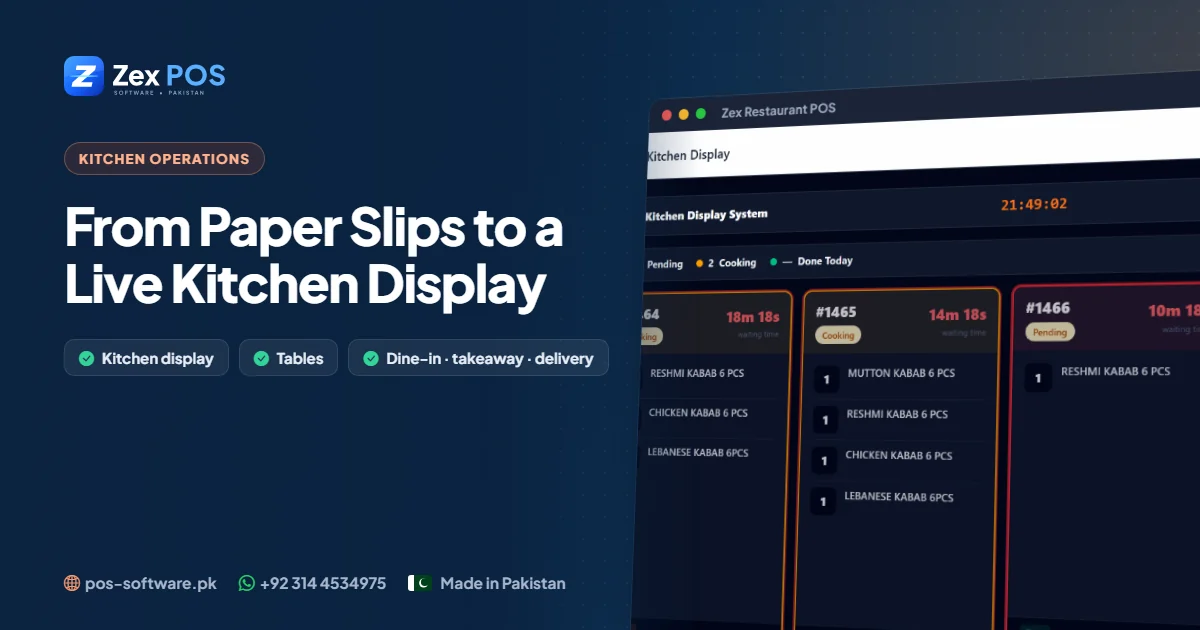
Paper KOTs get lost, smudged and mixed up. A kitchen display shows new orders as soon as they are placed. Cooks move each order from pending to cooking to done, and the counter can see what is ready. Kitchen slips can still be printed for stations that prefer paper. We explain this in detail in our kitchen display guide.
4. Ingredients that follow sales
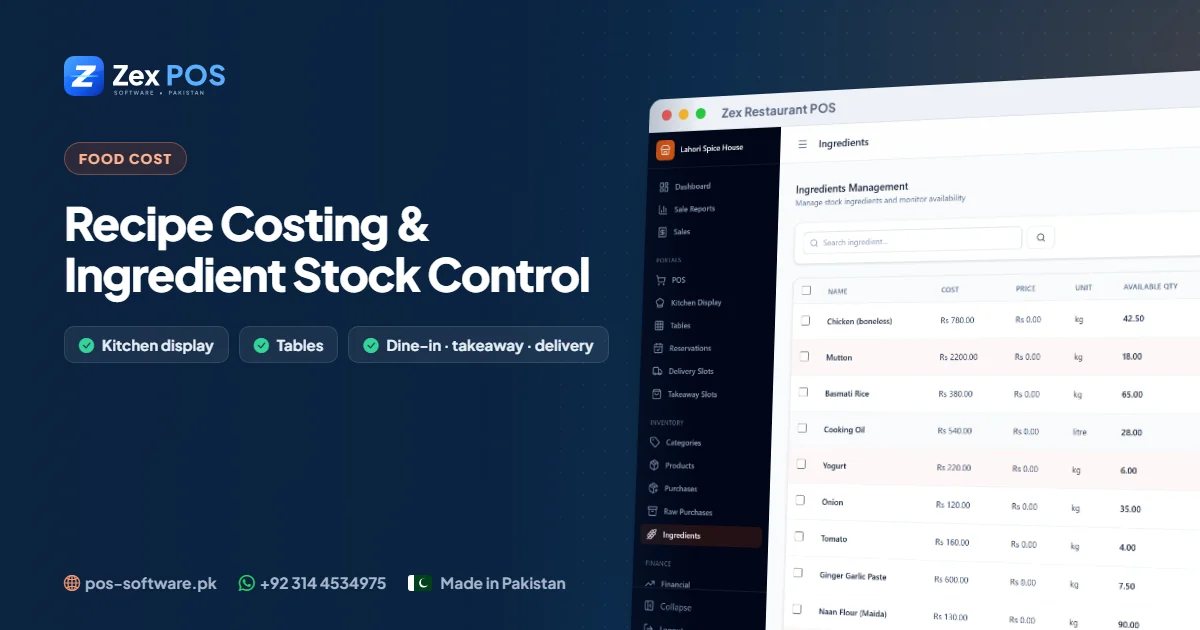
Food cost is where restaurants quietly lose money. When menu items are linked to recipes, each sale deducts the matching raw ingredients — chicken, oil, rice, spices — from stock. Ingredient purchases from suppliers add to it. The difference between what should be in the store and what actually is becomes visible. Read more in recipe costing and ingredient control.
5. Online orders in the same place
Orders received through your online store appear in the system alongside counter and table orders, so the kitchen and cashier work from one list.
6. Cash that matches at every shift
Each shift opens the register with a starting float and closes it with a cash count. The system shows what should be in the drawer, so shortages are caught the same night — not at the end of the month.
7. The right access for each person
Admins, cashiers and waiters each have their own role. Waiters can take orders; cashiers can take payment; only the owner or admin sees financial reports and settings.
8. Reports and expenses
Sales reports, expense tracking, staff salaries and a financial dashboard show whether the restaurant is actually making money — not just how busy it was.
Restaurant POS checklist
| Must-have | Why it matters |
|---|---|
| Dine-in, takeaway & delivery | One order flow for the whole restaurant |
| Table status & reservations | Faster seating, no double-booking |
| Kitchen display & slips | No lost or mixed-up orders |
| Recipe-based stock | Control food cost and wastage |
| Register open/close | Cash accountability per shift |
| Roles for staff | Everyone sees only what they need |
See it with your own menu: book a free demo on WhatsApp or explore Zex Restaurant POS.

Waqas Ali
Waqas ALi
My name is Waqas ali im currently working as software developer in different Field