
Tailor Shop Software for Measurements & Naap Slips
Save every customer's naap — lambai, bazu, teera, chhati, kamar, ghera, collar, shalwar, mohri and more — find it by token number in seconds, and print a slip that matches your paper format exactly.
Windows desktop · works offline
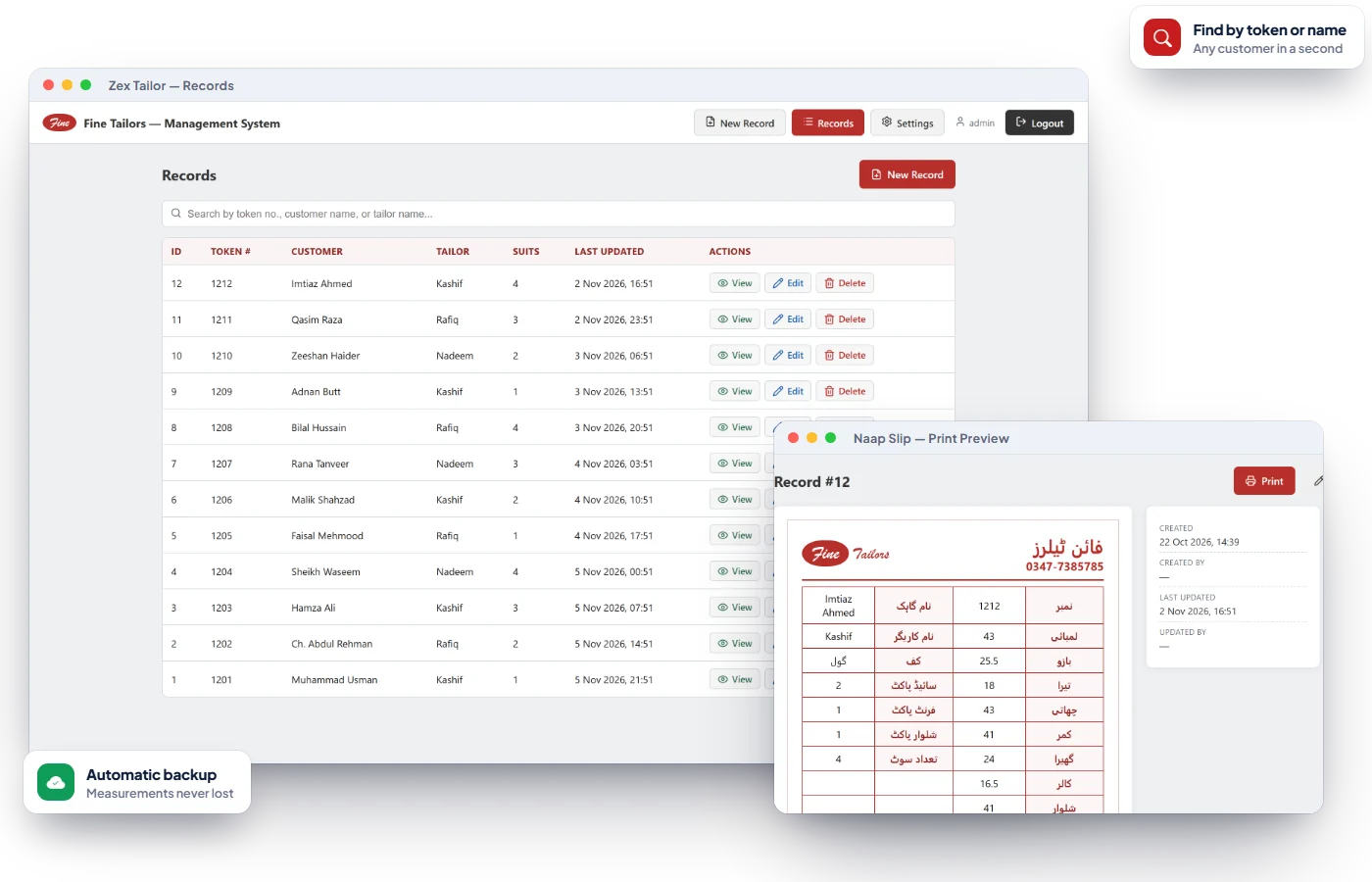
Problems Zex Tailor solves on day one.
Naap registers get lost or torn
Every measurement is saved digitally and can be reprinted any time.
Finding an old naap takes ages
Search by token number, customer name or karigar name instantly.
One PC failure wipes records
Automatic backups on a schedule to a folder or USB drive you choose.
Everything in Zex Tailor.
Every feature below is part of the software today — see them all on a free demo.
Complete Naap Slip
Lambai, bazu, teera, chhati, kamar, ghera, collar, shalwar, mohri, cuff and pockets.
Urdu Layout
The entry form is laid out exactly like your paper slip, in Urdu.
Token Number
Every record has a token number, with a duplicate token slip for the customer.
Karigar Name
Record which karigar (tailor) is stitching each order.
Number of Suits
Note how many suits are being stitched on each slip.
Instant Search
Find records by token, customer or karigar name.
Exact-format Printing
Prints on your slip size — what you see on screen is what prints.
Edit with History
Every edit stamps who updated the record and when.
Automatic Backups
Scheduled backups to any folder or USB drive, plus backup on demand.
100% Offline
Runs on your shop PC — no internet needed.
Password Login
Admin account with a password you can change any time.
Crash-safe Saving
Each save is atomic with a rolling backup, so a power cut can't corrupt records.
The slip you already use — now digital
The data-entry form mirrors your paper naap slip in Urdu, so karigars and counter staff need no training. Enter the measurements once and they are saved forever.
- All standard shalwar kameez measurements
- Cuff, side, front and shalwar pockets
- Customer and karigar names
- Number of suits
Find any customer's naap in seconds
Customer comes back after a year for Eid stitching? Type the token number, their name or the karigar's name and the record is on screen — ready to reprint or edit.
- Search by token, customer or karigar
- View, edit or delete any record
- Last-updated time and user shown
- Reprint the slip in one click
Your measurement records, backed up automatically
Choose a backup folder — another drive or a USB — and an interval. Zex Tailor copies your records on schedule and keeps a history, so a dead PC never means re-measuring every customer.
- Scheduled automatic backups
- Back up now button
- Keeps a rolling history of backups
- Crash-safe saving with .bak copies
Built for tailors · boutiques · stitching units.
Go live in three simple steps.
No IT department needed — most shops can start billing the same day they install.
Book a free demo
Tell us about your business. We show you the software working on your kind of products and answer every question.
Install & activate
Install on your shop computer (or open the web app), enter your license key once, and add your items, rates or menu.
Start selling
Bill, track stock and khata from day one. Questions later? We're one WhatsApp message away.
Tailor Shop Software — common questions
Everything you need to know. Can't find your answer? Talk to our team.
Is the measurement slip in Urdu?
Yes. The form uses the familiar Urdu labels — نمبر، لمبائی، بازو، تیرا، چھاتی، کمر، گھیرا، کالر، شلوار، موہری — laid out like the paper slip.
Can it print on my existing slip size?
Yes. The print layout matches the on-screen slip and the page size can be set to your slip paper's exact dimensions.
Does it need internet?
No. Zex Tailor runs fully offline on a Windows computer.
What if my computer breaks?
Turn on automatic backups to a USB or another drive. You can restore your records on a new computer.
How do I get it?
Message us on WhatsApp for a demo and installation.
Reading for tailors owners.
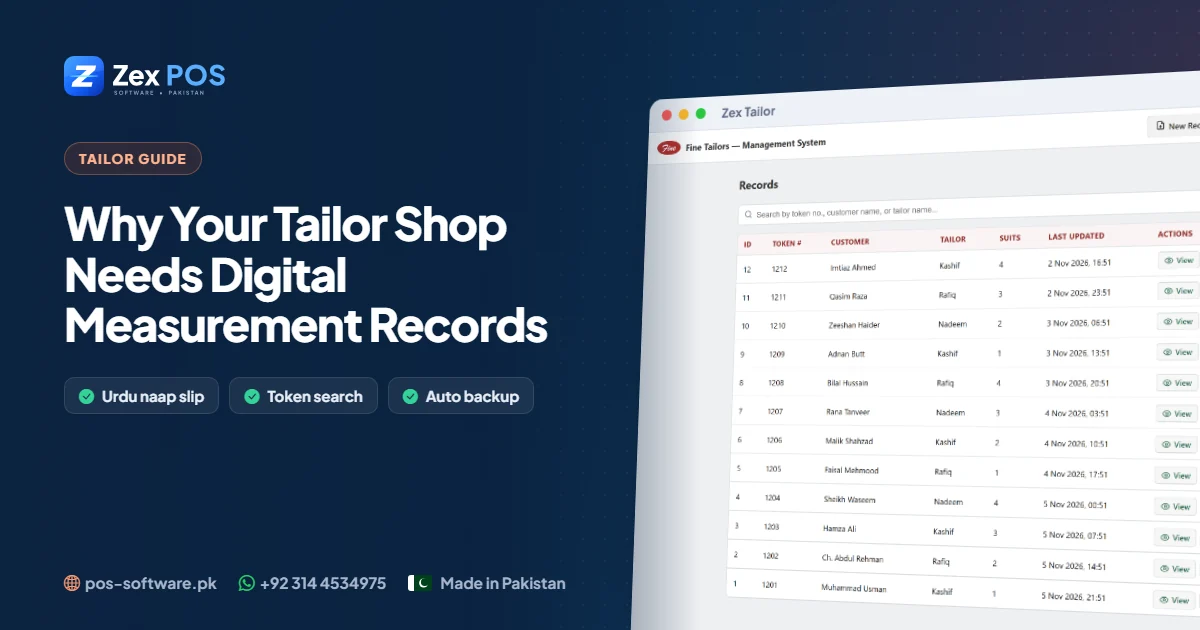
Tailor Shop Software in Pakistan: Why Your Measurements Belong in a Computer, Not a Register
A tailor's most valuable asset isn't the machines — it's years of customer measurements. Here is why those measurements deserve better than a register on the counter.
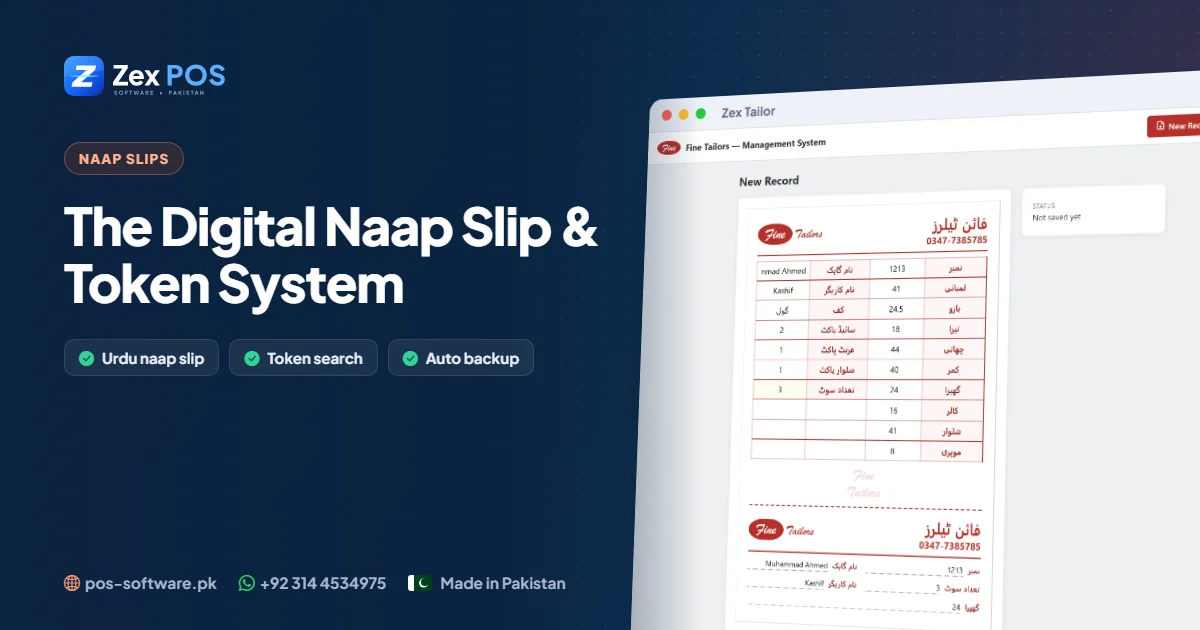
The Digital Naap Slip: How a Token System Organises a Busy Tailor Shop
Token numbers, karigar names and a slip that prints exactly like your paper one — the simple system that keeps a tailor shop organised when hundreds of suits are in progress.
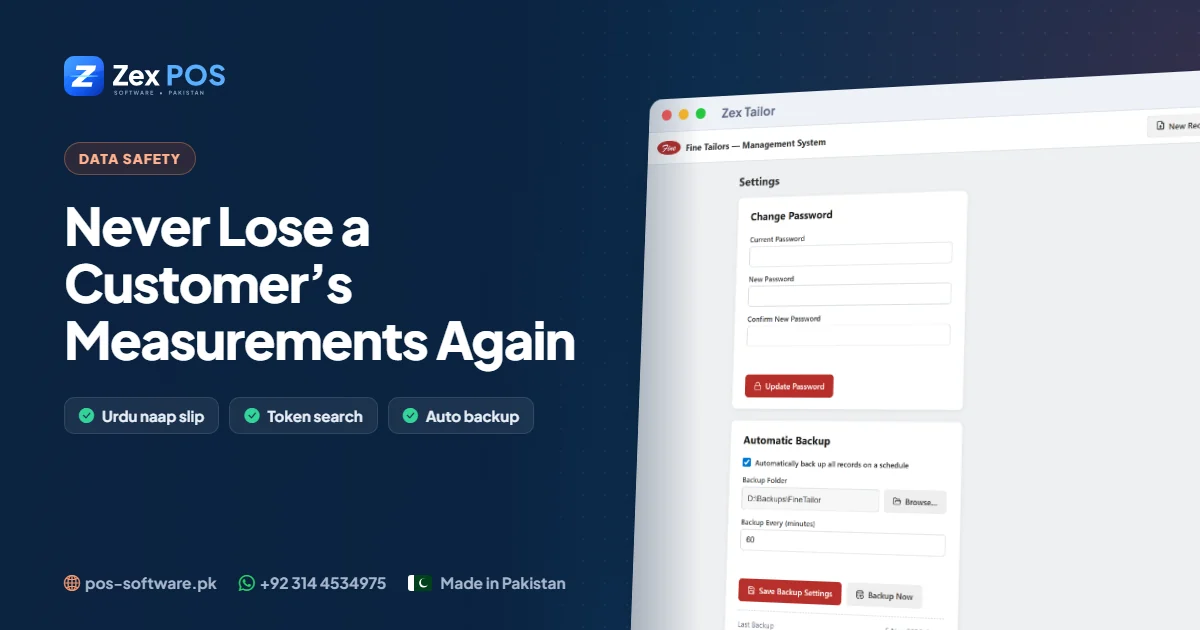
Never Lose a Customer's Measurements Again: Backups for Tailor Shops
A computer can fail without warning. For a tailor shop, that could mean losing years of customer measurements — unless you have a backup plan that runs by itself.
Get a free tailor shop software demo.
Tell us about your business. We'll come back with the right product, pricing and a live demo.