Almost every general store in Pakistan has one: a thick register, a pen tied to it, and pages of names with amounts crossed out and rewritten. The udhaar khata builds loyalty — regular customers buy from you because you trust them — but it also leaks money every month.
Where the paper khata loses money
- Forgotten entries: in a rush, a credit sale never gets written down.
- Disputes: "Maine to 2,000 diye the" — with no clear history, you usually give in.
- Unreadable pages: different handwriting, cuttings and torn pages.
- No overview: you don't know the total owed to you across all customers.
- Slow recovery: without a list of the oldest balances, nobody follows up.
What a digital khata does differently
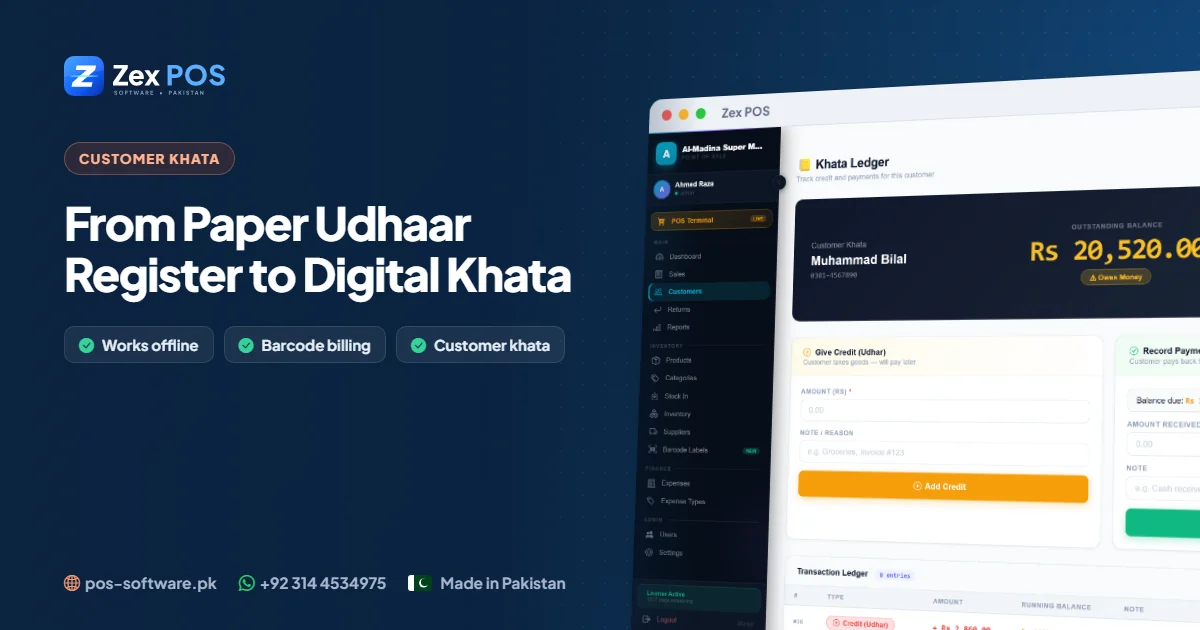
In billing software like Zex POS, the khata is connected to the counter. When a cashier finishes a bill and chooses credit, the amount goes straight into that customer's account with the date, time, invoice and items. Nothing depends on someone remembering to write it down.
- Each customer has a running balance that is always correct
- Payments can be received any time — partial or full
- Every entry can have a note ("payment on salary day")
- You can show the customer a complete khata history of every bill and payment
- The khata history shows exactly which items were taken on credit
How to move your register into the software
- List active customers. Ignore names that haven't bought in a year; settle those separately.
- Agree the current balance. When each customer next visits, confirm the balance together.
- Enter an opening balance. Add the customer with name and phone number, and record the agreed amount as the first credit entry with the note "opening balance from register".
- From that day, no more paper. All new udhaar goes through the counter.
- Keep the old register safely for reference, but stop writing in it.
Simple rules that cut credit losses
Set a limit per customer
Decide a maximum balance for each customer based on their history. When they reach it, collect before giving more.
Review the top balances every week
Spend ten minutes every Monday looking at the customers who owe the most and those who haven't paid recently. A polite reminder at the right time recovers more than a long argument later.
Show the khata, don't argue
When a customer disputes an amount, open their khata on screen and go through the dates and amounts together. Most disputes end there, and the relationship stays friendly.
Record every payment immediately
Whether the payment comes in cash, a bank transfer or a mobile wallet, record it at once so the balance is always up to date.
The bigger benefit: you finally know your real cash position
Once all credit is in the system, you can see three numbers clearly: today's cash sales, today's credit sales, and the total amount customers owe you. Many owners discover that "slow months" were actually good months — the money was simply sitting in the khata. That insight alone changes how you manage stock purchases and supplier payments.
Frequently asked questions
Will my customers accept a computer khata?
Yes. Most customers prefer it because they can see a clear, dated history instead of trusting someone's handwriting.
Can I still give udhaar without internet?
Yes. Zex POS works fully offline, including the customer khata.
Can I see which items a customer took on credit?
Yes. Each credit entry is linked to the bill, so the items are part of the history.
Get started
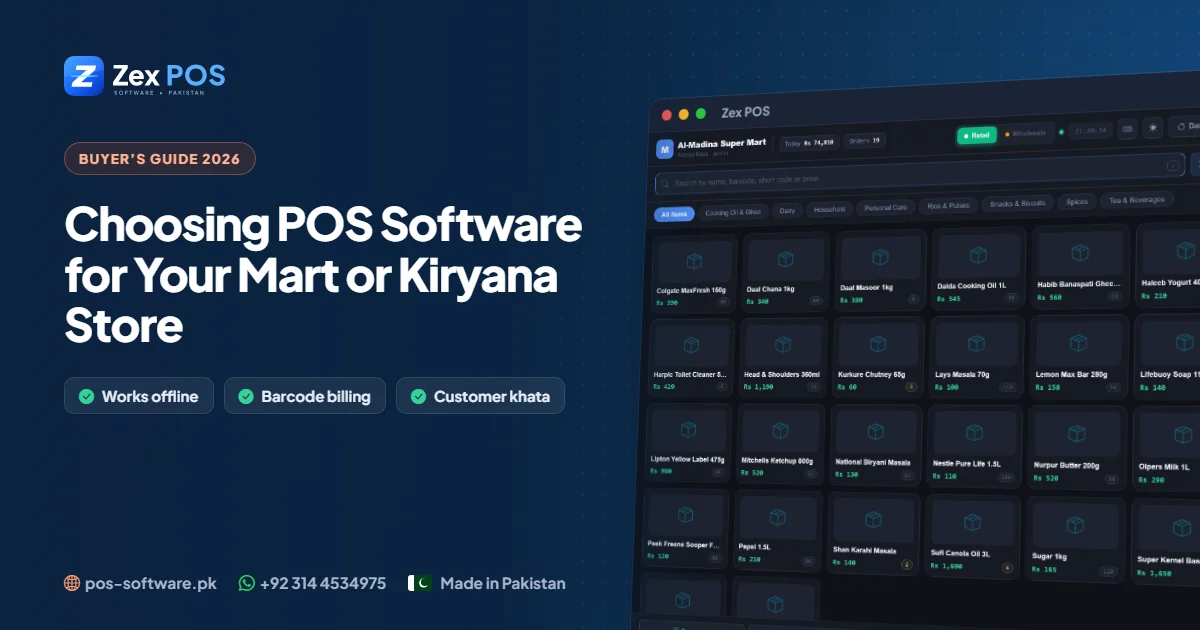
Try the customer khata in the free 10-day Zex POS trial, or read our complete guide to choosing POS software for a mart or kiryana store. Questions? Message us on WhatsApp.
Waqas Ali
Waqas ALi
My name is Waqas ali im currently working as software developer in different Field